Registering Your iMatrix Account
Signing up for an iMatrix account allows you to view multiple devices with your account, and view them through the iMatrix Cloud and the smartphone app. To proceed without registering for an account, use Guest mode.
First, go to the iMatrix portal. You have the choice to log in, or Create an Account.
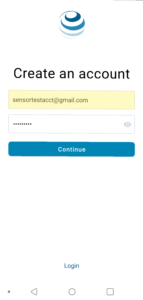 Select ‘Create an account,’ and enter your email address and a secure password.
Then, click ‘Continue,’
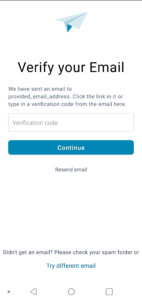 You’ll be prompted to check your email for a confirmation code. If you don’t receive it right away, wait a few minutes and check your spam folder.
You’ll receive an email with a confirmation code that looks like this:
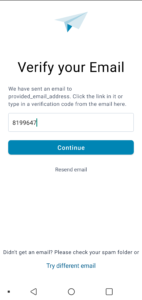
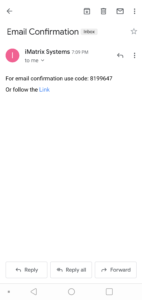 Enter the confirmation code in the box provided. Alternatively, you can also choose to follow the link to confirm your email address.
Then, select ‘Continue.’
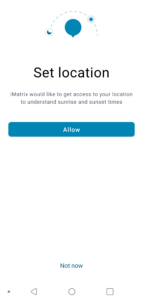
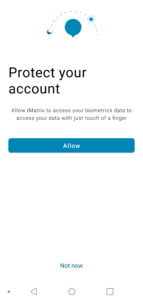
 You’ll be prompted to allow location and biometric data. You may choose not to allow these, although we recommend choosing to enable them. If you change your mind, you can change these settings later.
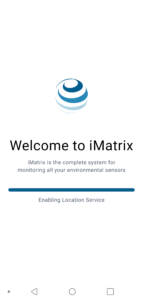
 Wait while the iMatrix Cloud system initializes and loads your account data.
 If you don’t have any devices added yet, you’ll see a screen that looks like this: